- Kilo Code is surging on GitHub with a flurry of releases and tutorial buzz, positioning itself as a community-driven rival to Roo Code and Cline.
- Devs are posting day-one “from zero to shipped” videos while Reddit threads dissect pricing, credits, and local-model quirks — and that cross-platform chatter is fueling installs.
- Fans hail Kilo Code’s VS Code UX and autonomy; skeptics warn about loops, disk usage, and guardrails. The debate is getting loud — and very public.
The Kilo Code moment arrived like most open-source stories do: a fast-rising GitHub repo, a stream of patch releases, and a pile-on of YouTube breakdowns that made it feel suddenly everywhere. The open-source AI coding agent isn’t just another autocomplete toy — it aims to plan, build, and fix code inside VS Code with an agentic workflow. That promise, plus a brash feature cadence, has turned Kilo Code into the week’s most argued-about dev tool across GitHub, Reddit, and YouTube.
Why Kilo Code hit a nerve now
The developer mood is weird: everyone wants AI help, no one wants “AI slop.” Kilo Code pitches a middle path — a transparent agent that you can direct like a junior engineer, with enough rails to keep it on task. The install funnel is friction-light: add the extension, connect a model, paste a task, watch it scaffold files and draft commits. That demo loop is snackable and viral-ready, and creators jumped on it: “Can it ship in one session?” “Can it refactor my tangled React app?” The answers weren’t always perfect, but the clips were compelling.
A very public roadmap — and a faster release drumbeat
Open-source gravity helps here. Contributors swarm the repo with PRs and issues; maintainers merge iteratively, then ship again. That rhythm begets trust: devs feel heard when popular requests land within days. Kilo Code also borrows smartly — it pulls good ideas from Roo Code and Cline, adding its own opinionated UX on top. Supporters say it’s the most “human-feeling” of the VS Code agents because the task state is visible, diffs are explainable, and the agent shows its moves before it changes your life (or your git history).
The discourse: autonomy vs. control
The loudest debate is how autonomous Kilo Code should be. Fans love watching it clone a project, read docs, spawn a plan, and attempt the patch end-to-end. Skeptics want hard boundaries: define the task, sandbox file access, require a human checkpoint before apply_diff. Videos showing agents looping on the same step, or silently chewing disk, have circulated widely. The tension is productive: contributors are proposing better guardrails, more visible state, and clearer timeout behavior.
Local models, credits, and the “free” question
Another driver of conversation is cost. Kilo Code lets you bring your own model — a hosted API or a local runner. That “local first if you want” story resonates after a summer of price hikes. But there are footguns: local models can hit context limits or underperform on long refactors; cue the Reddit threads suggesting tuned settings, higher context vars, and pragmatic expectations. There’s also chatter about welcome-credit UX, with users trading notes on how holds and refunds show up on certain banks. None of this is unusual for fast-moving open source — but the volume of debate signals outsized interest.
The UX that makes or breaks agents
Kilo Code’s VS Code integration is its killer feature. Right-click to hand a file to the agent. Inline diffs before write. A log you can actually read. This isn’t a chat bubble stapled to a terminal — it’s a thoughtful pairing with how developers already work. And when creators stream it, the UX sells itself. Viewers can see the decision tree, the context pack, the plan, the patch. Agentic tools live or die on trust; visible intent is trust.
The competitive field is heating up
Kilo Code isn’t alone. Roo Code, Cline, Cursor, and Copilot Agents are all in the ring. The rising tide is good for developers, but also confusing: overlapping feature sets, shifting prices, and different philosophies about autonomy. The open-source projects are co-evolving — borrowing best practices across the aisle — while the commercial offerings emphasize enterprise controls and compliance. In practice, teams will try two or three and standardize on the one that matches their stack and risk profile. For those exploring agent runtimes more broadly, frameworks like Agno show how multi-agent orchestration is advancing alongside coding-focused agents.
What teams are doing with it today
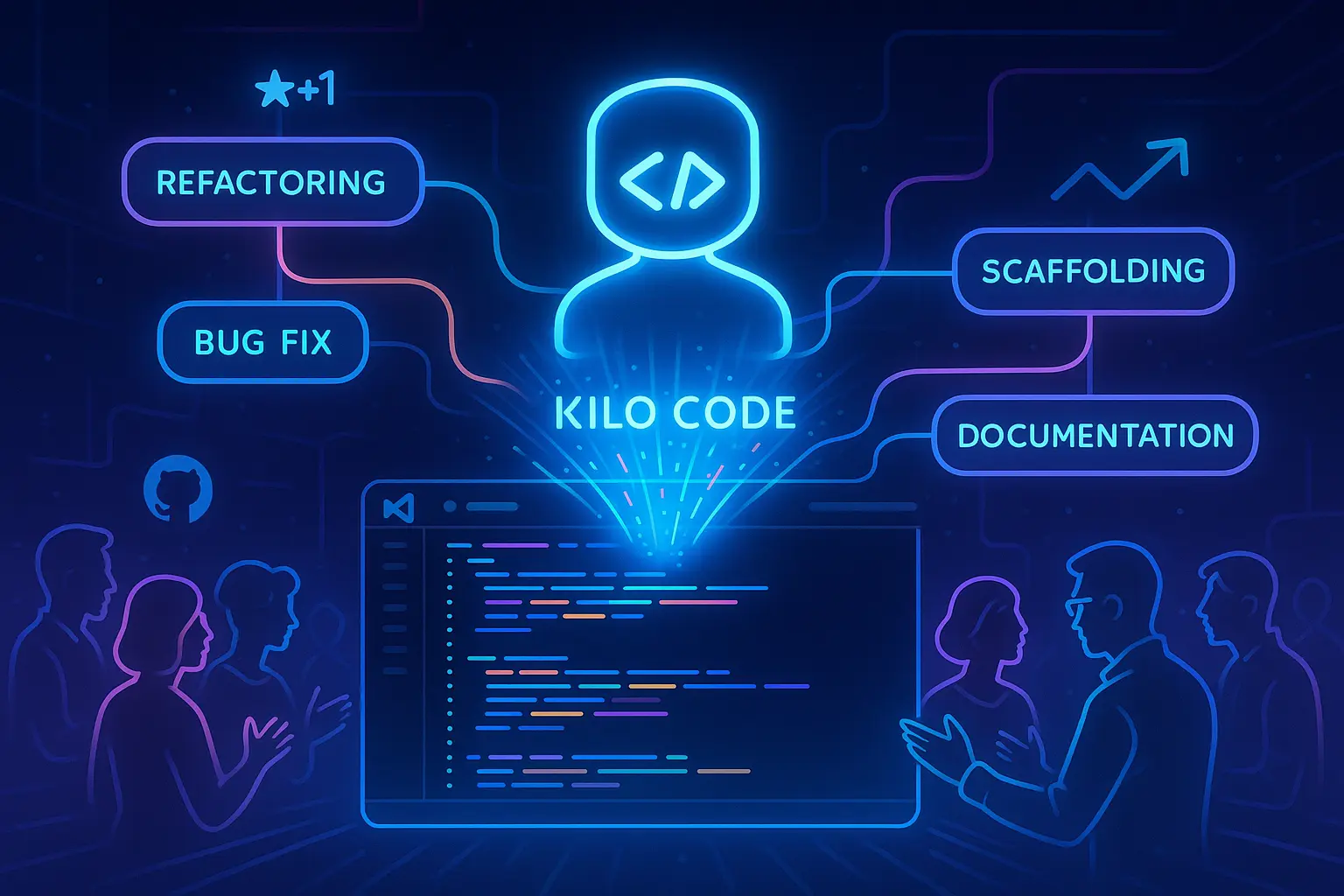
Refactor spikes: Safe, scoped refactors with human checkpoints.
Feature scaffolding: Generate boilerplate, write tests, and let the agent do the drudgework.
Documentation passes: Ask the agent to extract API docs from code and wire up examples.
Bug hunts: Provide a failing test and let it search, propose a fix, and patch.
Not every run is a win. But teams report that “agent plus dev” beats devs doing rote scaffolding by hand. The trick is treat the agent like an intern: define the task crisply, review the plan, and hold the merge key.
The risks and what to watch next
Disk usage, long-context stability, and loop handling are the watch-items. So are permissions: bigger shops want stronger file-system scoping and clearer diff approvals. Expect rapid iteration here — the community is already proposing stricter defaults and visual guardrails. Also watch integrations: as Kilo Code proves value, expect deeper hooks into test runners, CI, issue trackers, and review workflows.
If you’re weighing a jump into agentic coding, our explainer on agent safety patterns on All About Artificial lays out practical guardrails teams are adopting right now.